
Signing in to DentalPro
DentalPro runs in any web browser, so there is nothing to install (though you can add it to your home screen as an app). Everyone on your team signs in with their own username and password.
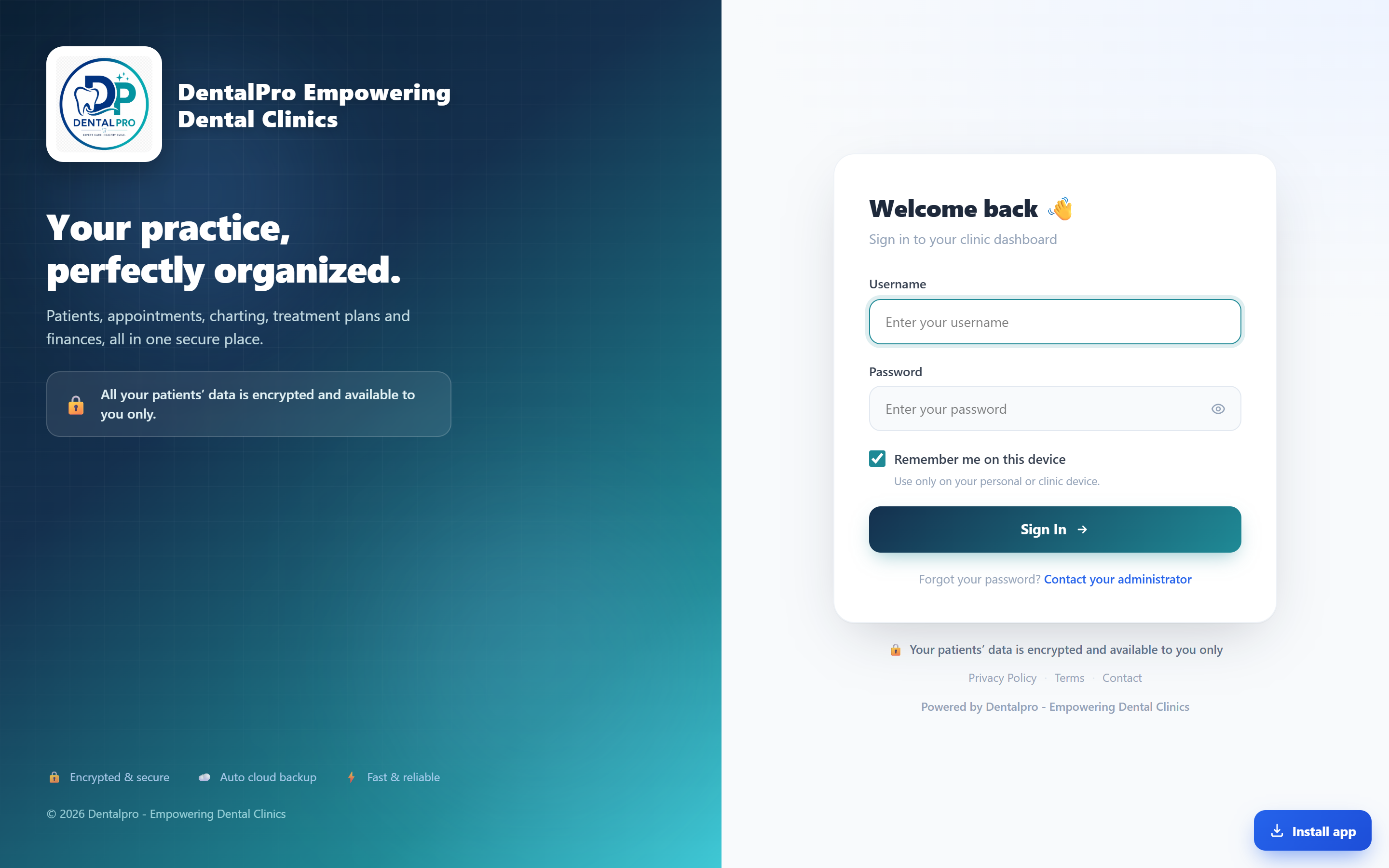
Open your clinic link
Go to app.dentalproapp.com (or your clinic’s own address, like yourclinic.dentalproapp.com) and tap Sign in to your clinic.
Enter your username and password
Type the username and password your clinic admin gave you, then press Sign In. Each staff member has their own login, so the system knows who did what.
Install it like an app (optional)
On a phone or tablet, tap Install app when prompted (or “Add to Home Screen”). DentalPro then opens full-screen from your home screen, just like a native app.
Forgot a password? Your clinic admin can reset it from Settings → User Accounts. There is no public “reset” link, which keeps your patient data safer.