
Running payroll
Payroll turns your staff records into monthly salary runs, tracking who has been paid and what’s outstanding.
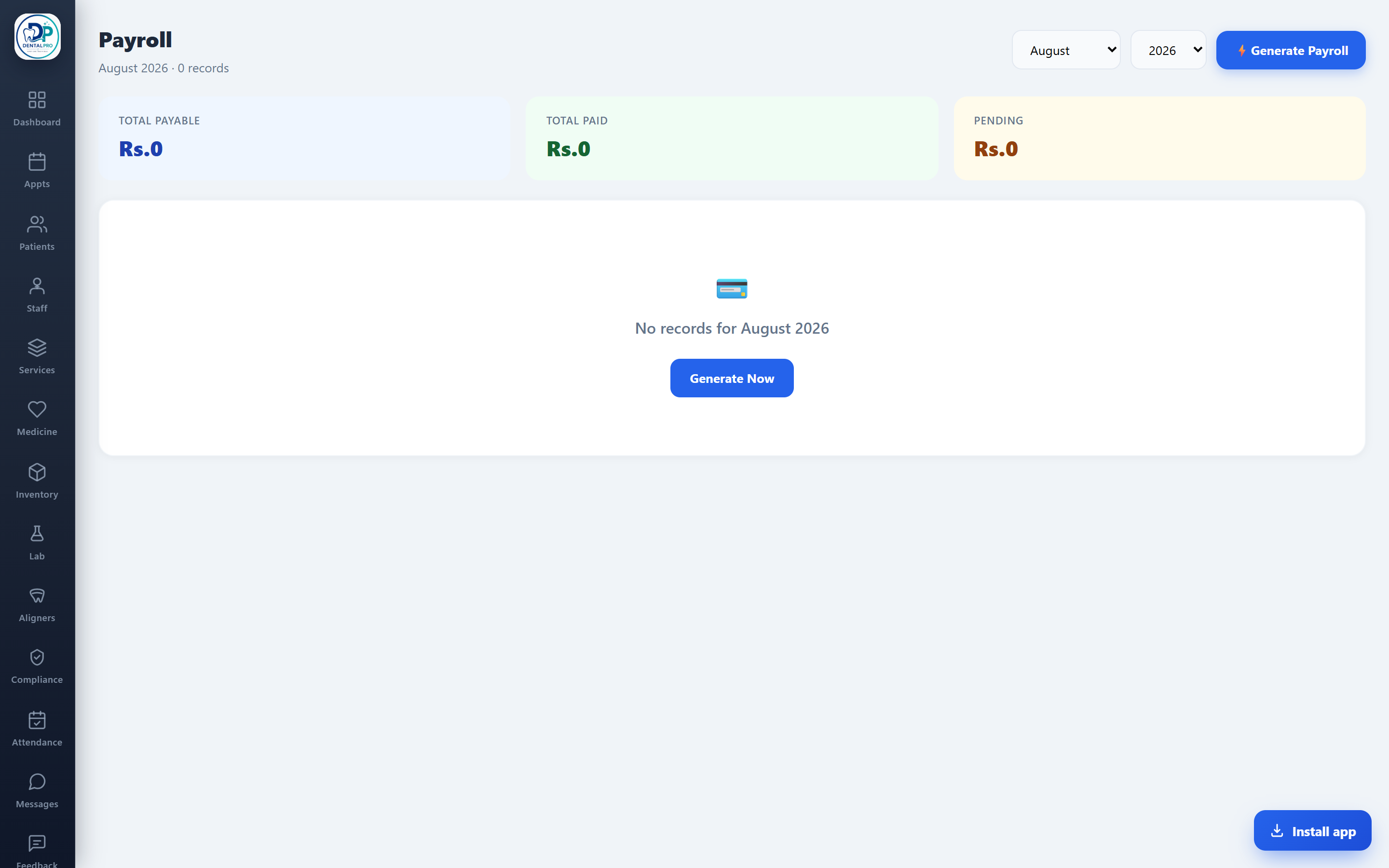
Open Payroll
Tap Payroll in the sidebar (admin/accountant only).
Generate the run
Create a run for the month; each staff member’s salary is pulled from their record. Mark salaries as paid with a date and note.
See the totals
The header shows total payable, total paid and pending, so you know what’s left to disburse.