
Using DentalPro on your phone
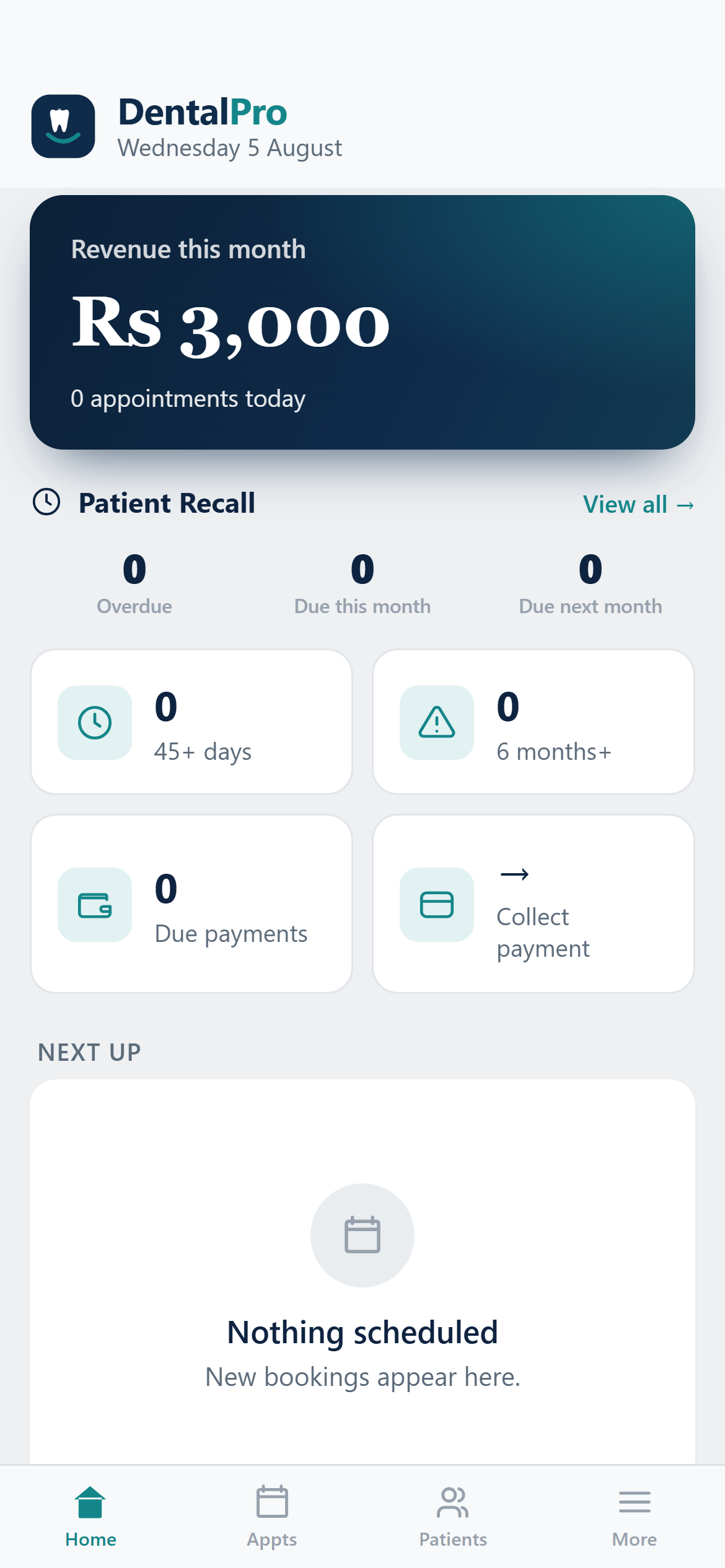
Open DentalPro on a phone and it becomes a touch-first app with a bottom tab bar. Add it to your home screen and it launches full-screen like any native app.
The bottom tabs
Home, Appts, Patients and More sit along the bottom. Home shows today’s numbers and quick actions.
The More menu
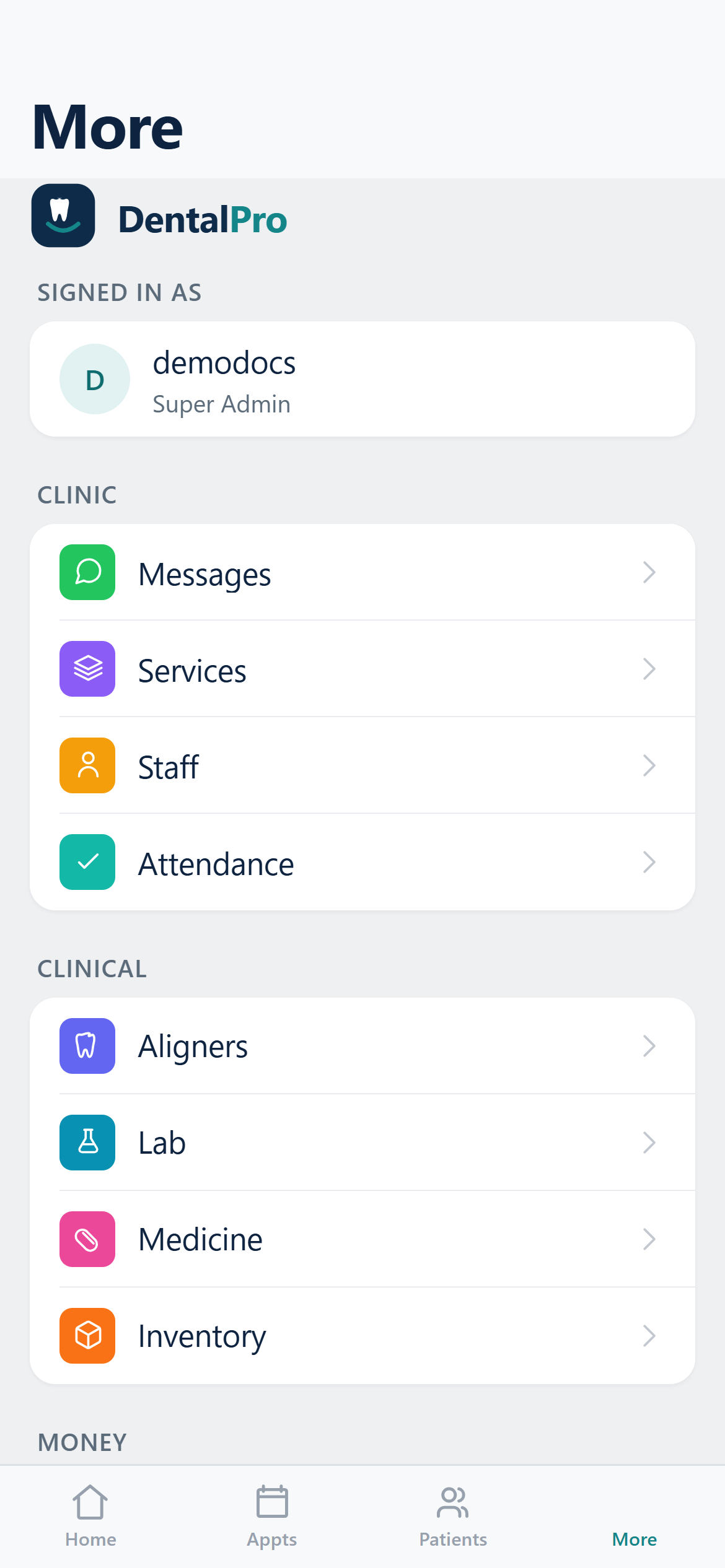
Tap More for everything else — accounting, payroll, inventory, lab, messaging, compliance, settings and more — all gated by your role.
Chart at the chair
Open a patient to get the full chart on your phone: diagnosis, treatment plan, prescriptions, billing and aligner tracking, all touch-friendly.
Install it: tap your browser’s “Add to Home Screen”. Updates arrive automatically the next time you open it.