
Setting up WhatsApp
DentalPro sends from your clinic’s own WhatsApp number using a linked device (like WhatsApp Web). No Business API account required.
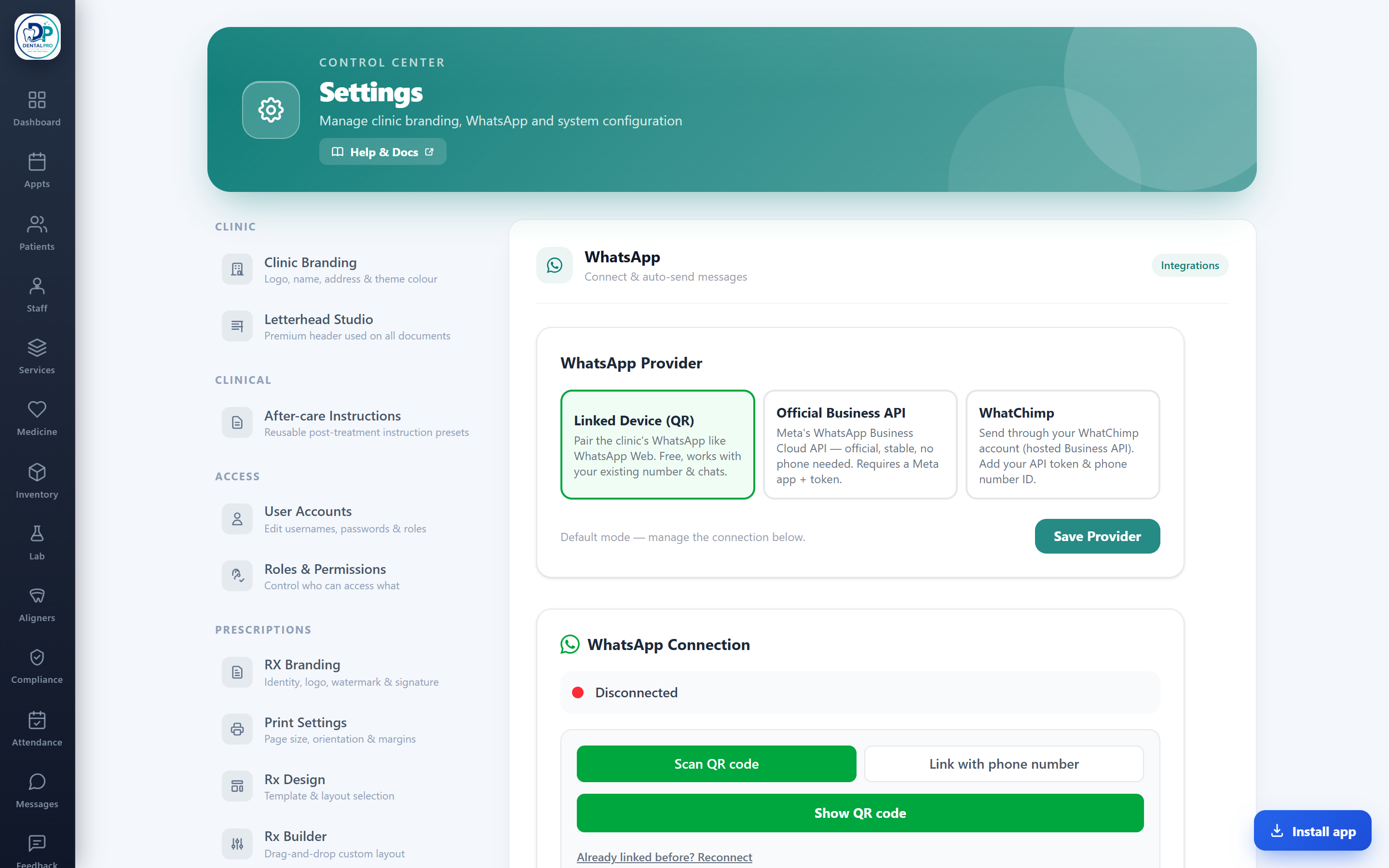
Open Settings → WhatsApp
In Settings, choose the WhatsApp tab. Pick Linked Device (QR) to use your existing number.
Scan the QR
Scan the QR code with your clinic’s WhatsApp (Linked Devices), just like WhatsApp Web.
Choose what sends
Turn on the categories you want — reminders, booking confirmations, receipts, recalls — with a master switch over all of them.
Prefer the official route? DentalPro also supports the WhatsApp Business Cloud API and WhatChimp as options.