
Records, x-rays & 3D scans (STL / OBJ)
The Records tab keeps every image and 3D scan against the patient, with dedicated slots for OPG, cephs, bitewings and intra/extra-oral photos, plus a built-in 3D viewer for STL and OBJ scans, tagged by arch and treatment phase.
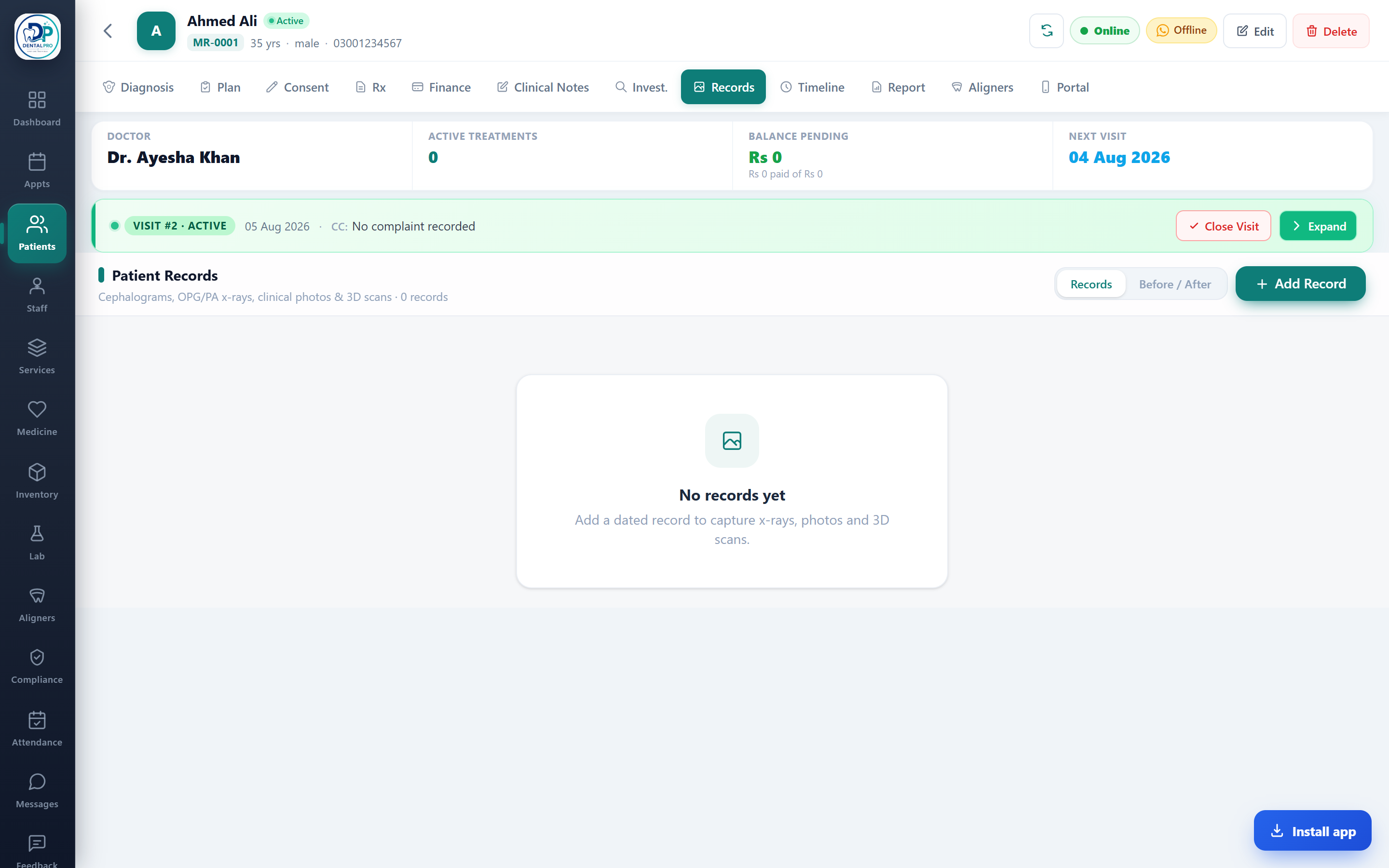
Open the Records tab
On the patient’s chart, tap Records.
Upload images
Add radiographs (OPG, lateral ceph, PA, bitewing, periapical) and intra/extra-oral photos. Images are compressed automatically.
Upload 3D scans (STL / OBJ)
Under Digital Scans, upload an intra-oral or ortho scan as an .stl or .obj file and tag it by arch (upper / lower) and treatment phase.
View 3D scans in the browser
Tap View 3D to open the scan in the built-in viewer, drag to rotate and scroll to zoom, with no separate software or plugin needed.