
Finding & filtering patients
The Patients screen is your whole patient register. It is built for a busy front desk: instant search and quick date filters.
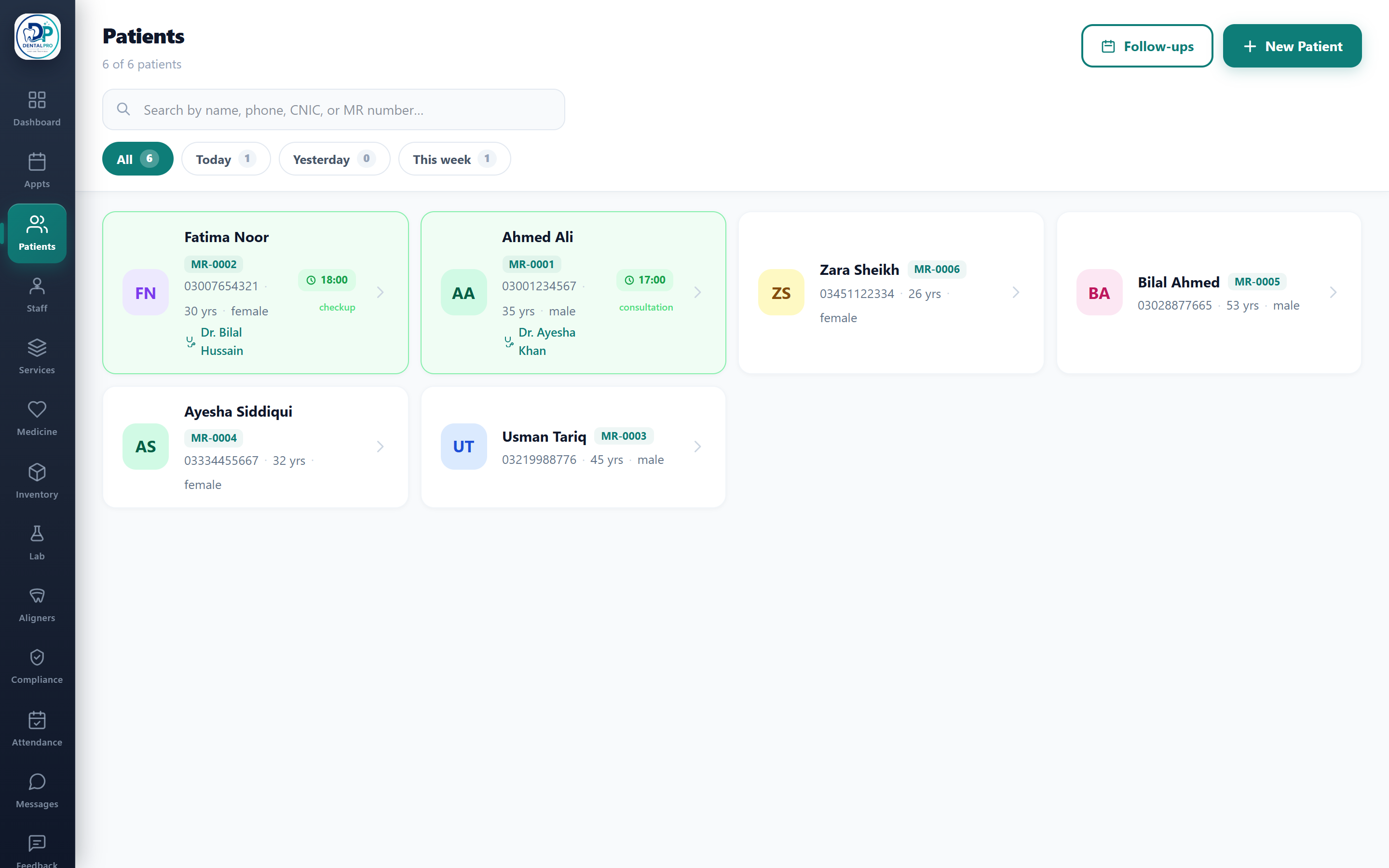
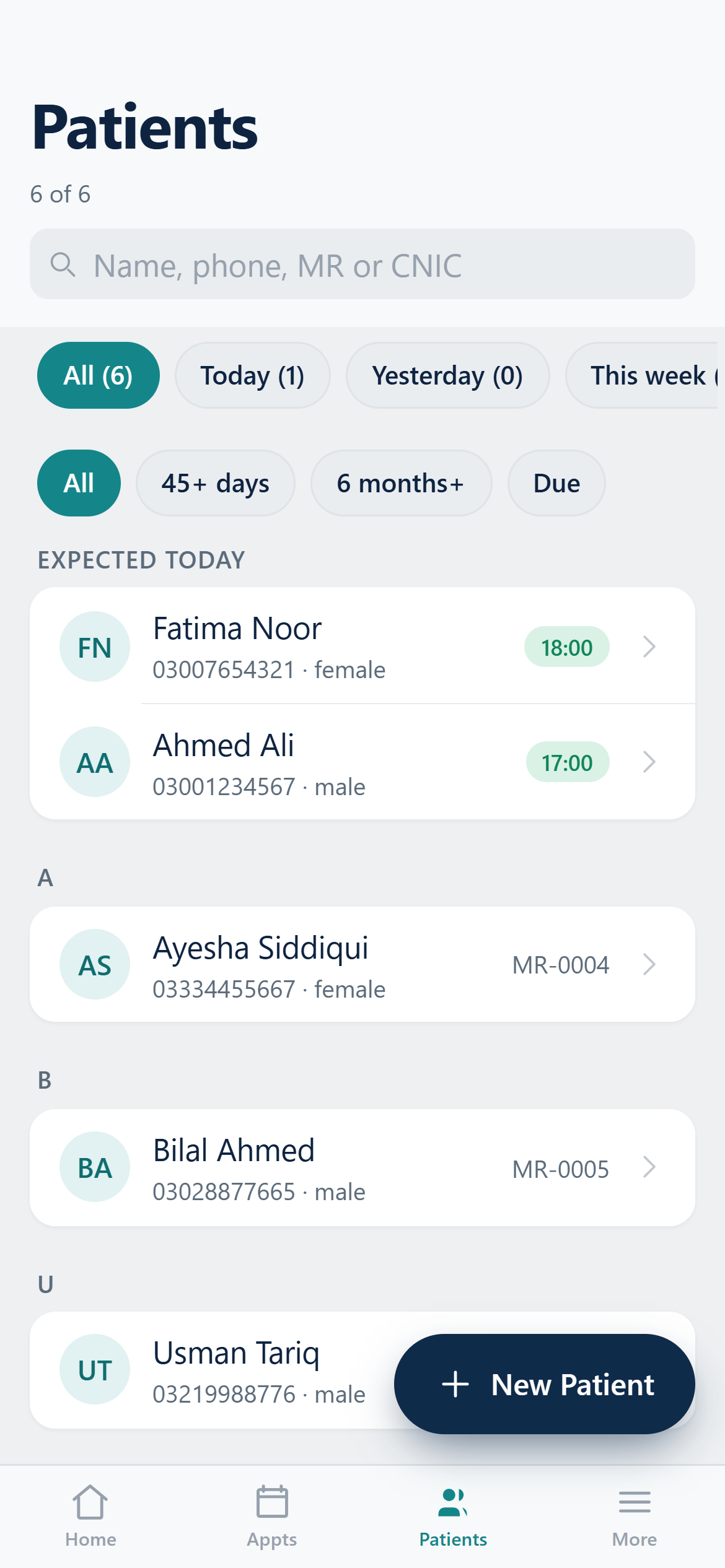
Open Patients
Tap Patients in the sidebar (or the Patients tab on your phone).
Search
Start typing a name, phone number, CNIC or MR number. Results filter instantly. Phone and CNIC search ignore dashes, so 03001234567 finds a stored 0300-1234567.
Filter by last visit
Use the chips — All, Today, Yesterday, This week — to see only patients whose last visit falls in that window. Each chip shows a live count.
Patients with an appointment today float to the top so the front desk sees them first.